 plugin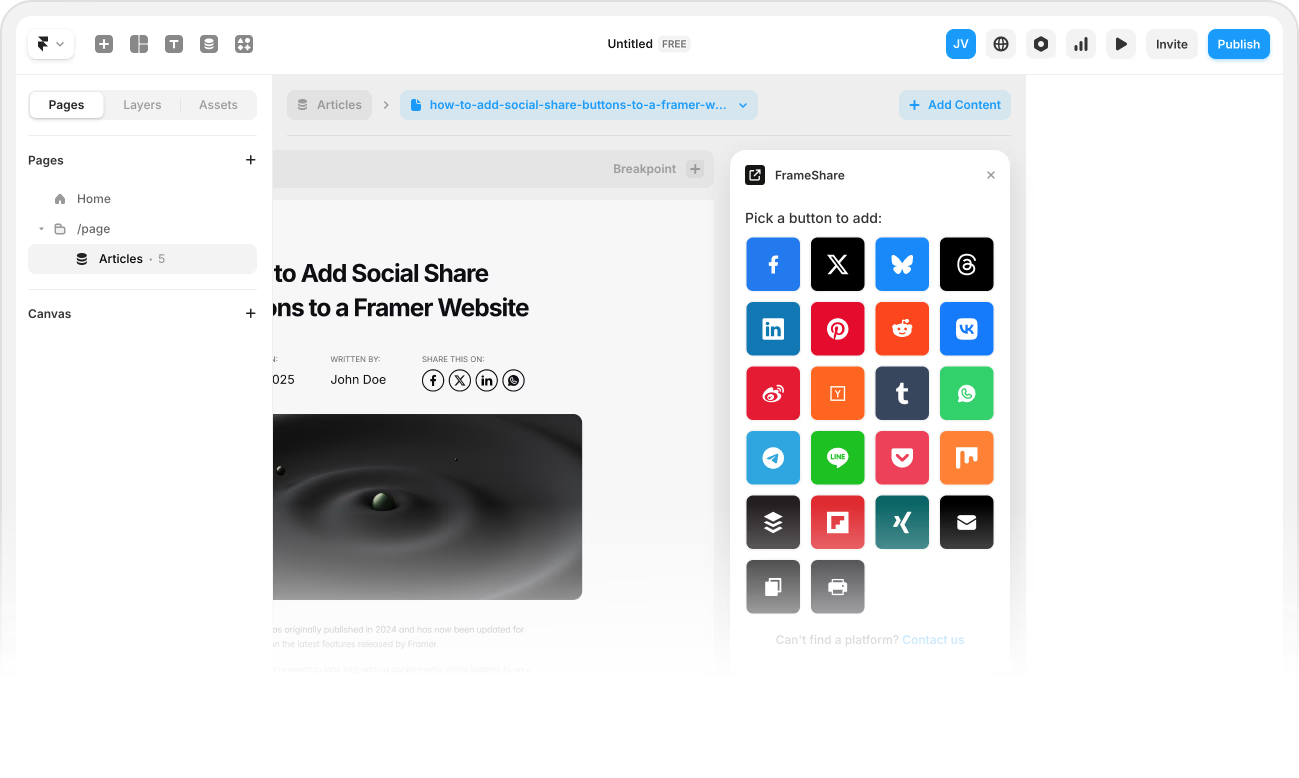





Save time
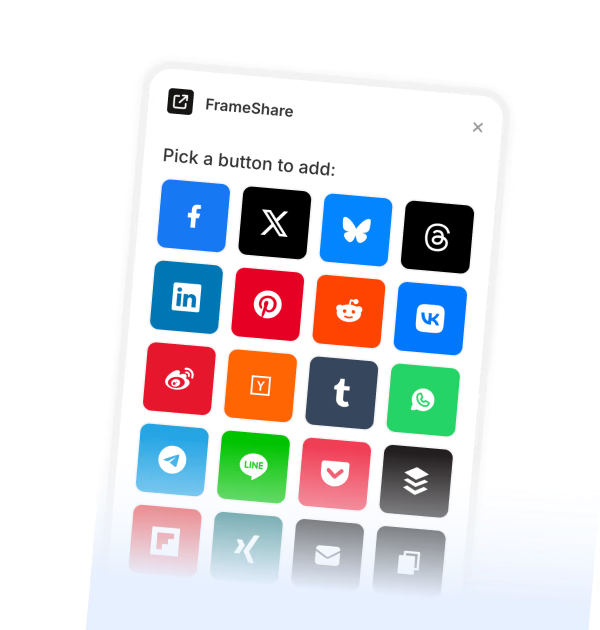
Simply drag and drop the buttons onto the canvas to place them where you want on your website.
Add share buttons now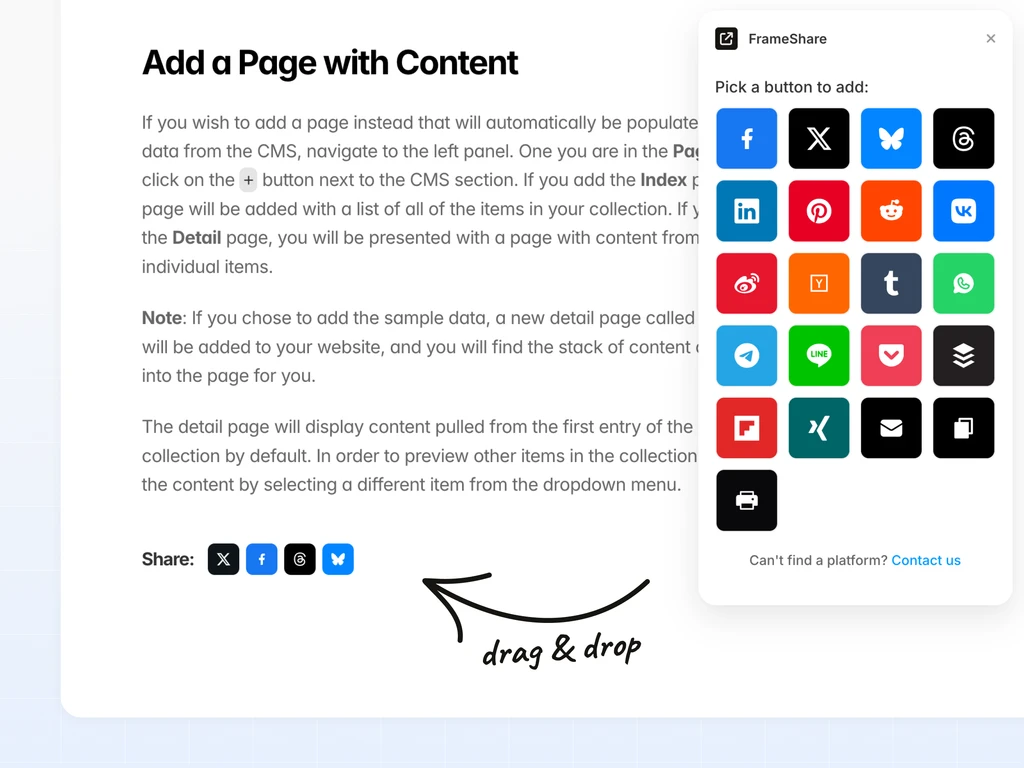
Framer doesn’t include share buttons. The FrameShare plugin fixes this instantly to let visitors share your website.
Instant access.
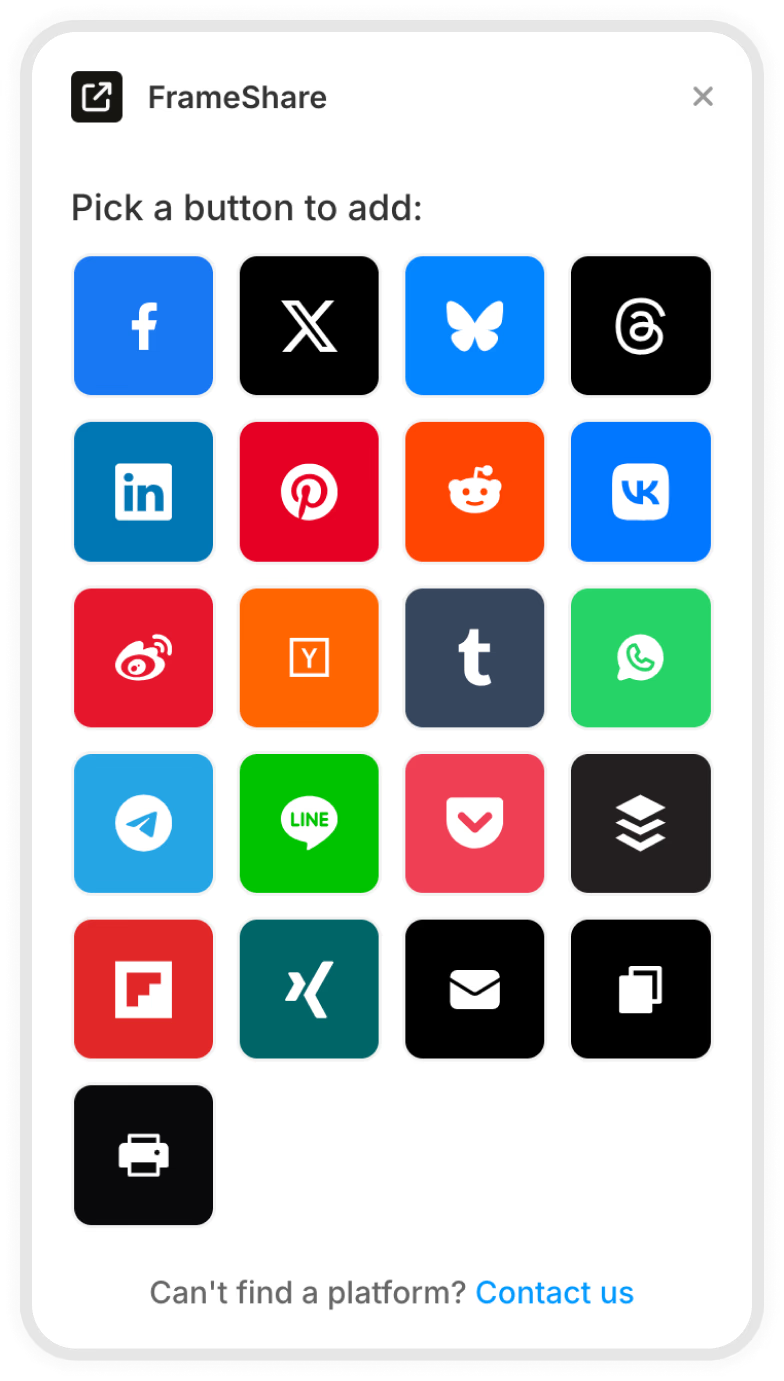
Get access to share buttons from over 20 social media platforms, from
Facebook and X to Pinterest and WhatsApp.
Simply drag and drop the buttons onto the canvas to place them where you want on your website.
Add share buttons now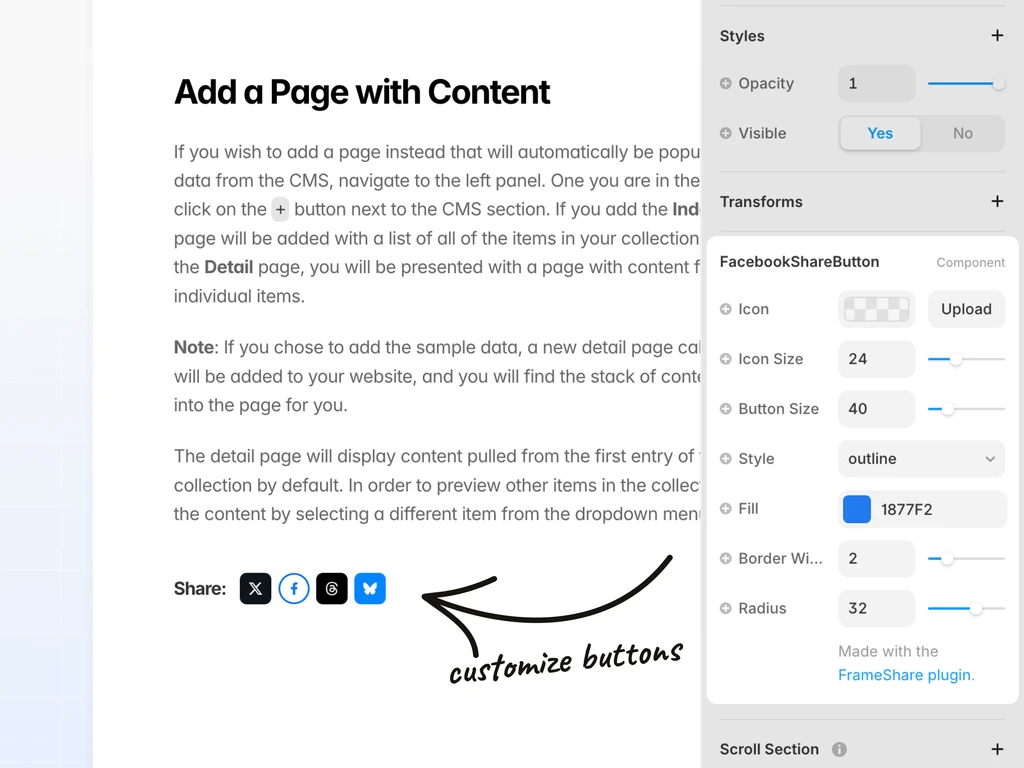
Customise your share buttons’ colors, sizes, and styles to match your website’s design.
Add share buttons nowHit “Publish” and your visitors can share your pages on social media to drive traffic effortlessly.
Add share buttons now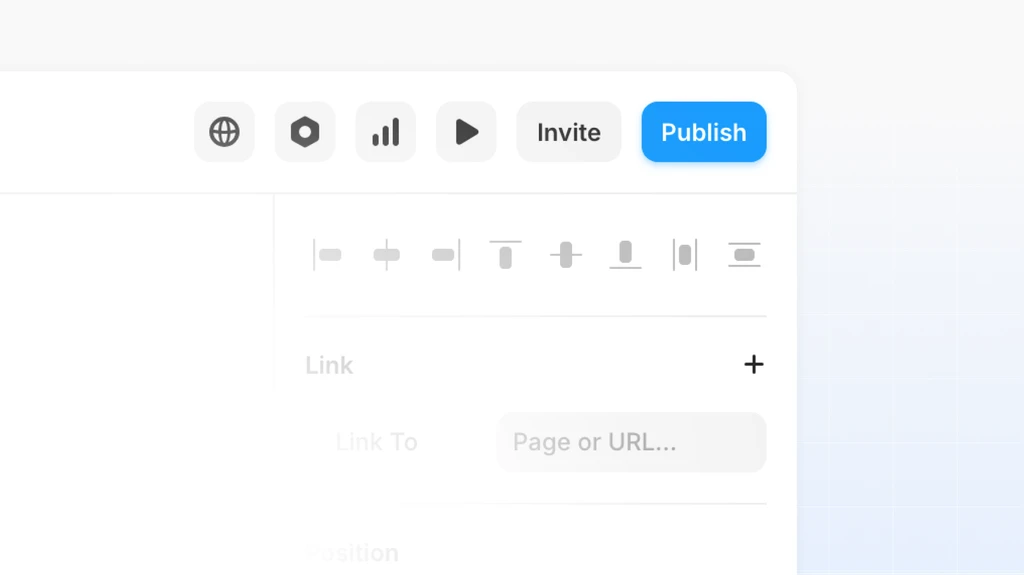
Save hours of frustration searching for components by using FrameShare to add share buttons to your site in minutes.
BEFORE
WITH FRAMESHARE
Easily add social share buttons to your Framer website with a few clicks.
Purchase a license key and open the FrameShare plugin in Framer to activate the key and get access to the plugin.
Drag and drop the buttons on the canvas and insert them where you want them to be displayed on your website.
Customise the icons, colour, size, and radius of your buttons to make them match the style of your website.
You’re all set! People visiting your website can now share links to your site on the social channels you picked.
Use it in all your Framer projects and get access to future updates.
Pay once (no subscription)
★★★★★
This is the best one of these I’ve seen - Excellent work. Thanks so much!
- Zach
All the most common questions in one same place.
FrameShare is the first Framer plugin that lets you add share buttons to your Framer website with a few clicks. Once you have access to the plugin, you can insert share buttons into your Framer websites.
FrameShare supports Facebook, X, Threads, Bluesky, LinkedIn, Pinterest, Reddit, VK, Weibo, Hacker News, Tumblr, WhatsApp, Telegram, LINE, Pocket, Buffer, Flipboard, Xing, Print, Copy link, and email.
Instagram doesn't provide a direct sharing API like other social platforms, so it cannot currently be included as a share option.
By default each button shares the current page URL. Platforms that support it may also include the page title. Custom information requires a bespoke coded solution.
Yes. This is managed in the settings for each page in your Framer project, where you can upload a social preview image.
Yes. You can add them to any page, including CMS pages, so every post automatically shares its own URL.
Please don't include the plugin in a Framer template for resale. You can use it for your own sites and client work.
No coding skills are required. Simply drag the buttons from the plugin onto your Framer canvas.
Send an email using the contact link in the footer and we’ll be happy to help.